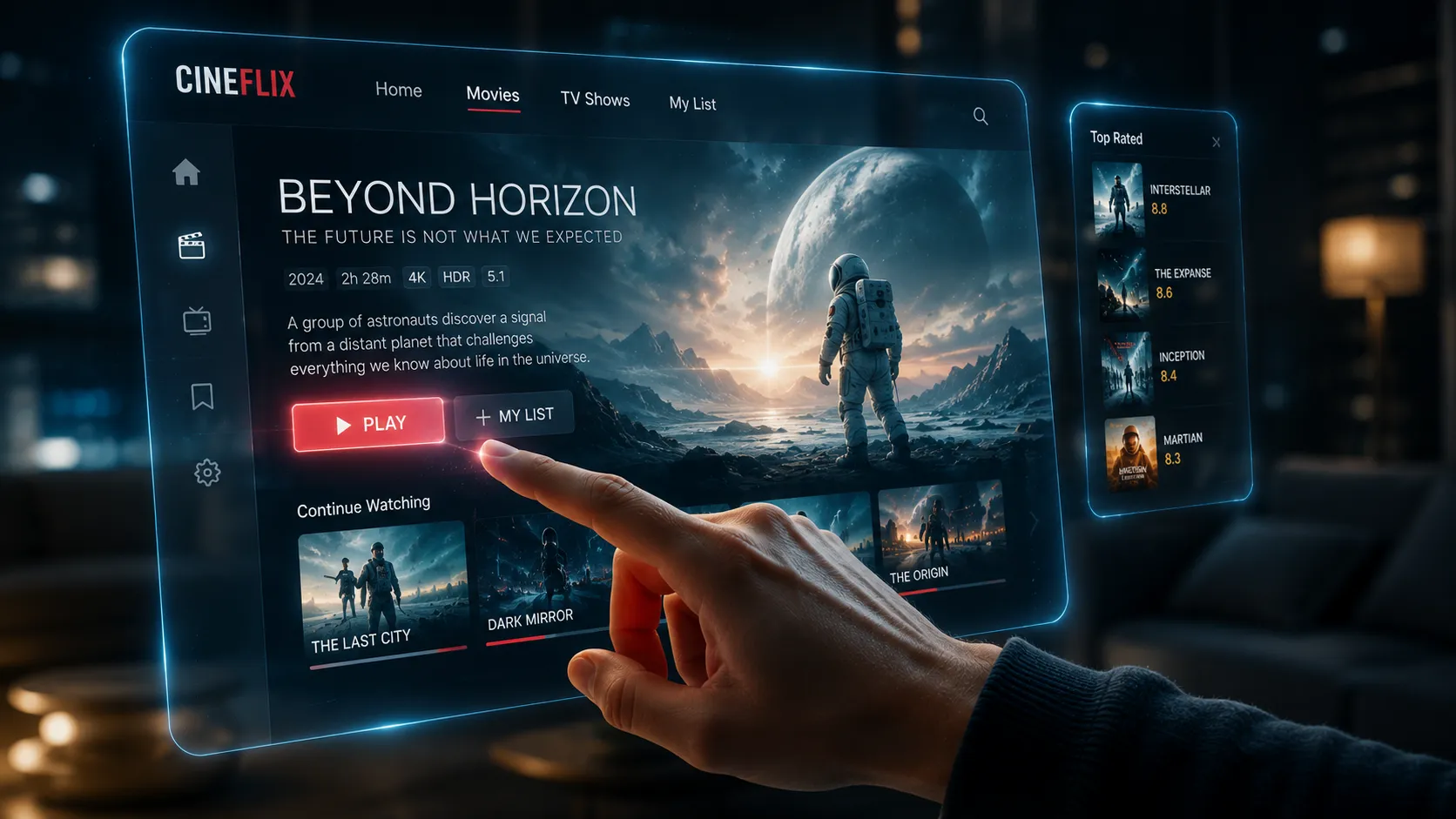
Do You Need a Dedicated IPTV Box?
Many US viewers access IPTV perfectly through a Firestick or Smart TV without additional hardware. A dedicated box makes sense when you want full Android TV app access without sideloading restrictions, or when using a MAG portal-based IPTV service. This guide covers the three main hardware categories used by US viewers in 2026: Android TV boxes, Amazon Firestick devices, and MAG set-top boxes.
Android TV Boxes — Most Versatile Option
Android TV boxes are the most popular hardware choice among serious IPTV users. Running the full Android TV OS with Google Play Store support, they allow direct installation of any IPTV player app — TiVimate, IPTV Smarters Pro, GSE Smart IPTV, Kodi — without sideloading restrictions. Most current mid-range boxes use Amlogic S905X4 processors with 4GB RAM, which handles large M3U playlists and 4K streams without buffer issues. For recommended models at each price point, see our best IPTV box guide.
Amazon Firestick — Best Value for Most US Viewers
The Amazon Fire TV Stick remains the most practical choice for the majority of US IPTV users. Affordable, widely available, and capable of running both official Appstore apps (IPTV Smarters Pro) and sideloaded apps (TiVimate via Downloader), the Fire TV 4K Max handles 4K streams comfortably on a stable broadband connection. For a complete Firestick IPTV setup, see our IPTV for Firestick guide.
Not sure which device fits your TV?
Message us on WhatsApp — we'll recommend the right hardware and player app for your specific setup and budget.
MAG Set-Top Boxes — Purpose-Built IPTV Hardware
MAG boxes (by Infomir) run a proprietary Linux OS and connect to IPTV through a portal URL — a web interface the box loads at startup. Popular for viewers who want a dedicated TV appliance, MAG boxes are limited: they only work with providers supporting the MAG/Stalker Portal protocol. They cannot run TiVimate or IPTV Smarters. Always verify your provider's MAG compatibility before purchasing.
IPTV Device Comparison Table
| Device | Best For | App Flexibility | 4K | Price |
|---|---|---|---|---|
| Android TV Box | Full flexibility, power users | Excellent | Yes | $50–$150 |
| Fire TV Stick 4K Max | Best value, most users | Good (sideload) | Yes | $55 |
| Fire TV Stick HD | Budget HD streaming | Good (sideload) | HD only | $30–$40 |
| MAG Set-Top Box | Portal-only IPTV | Limited | Model-dependent | $80–$150 |
| Smart TV (Android TV) | No extra hardware needed | Excellent | Yes | TV cost |
Wired Ethernet vs. Wi-Fi for IPTV
Wired ethernet delivers lower, more consistent latency than Wi-Fi — particularly important for live sports where a brief stream interruption is far more noticeable than during on-demand viewing. Most Android TV boxes include a physical ethernet port. For Firestick, a USB ethernet adapter costs under $15 and eliminates Wi-Fi variability entirely. If wired cable is impractical, a Wi-Fi 6 access point near your TV significantly improves streaming consistency over older wireless standards.
What to Look for When Buying an IPTV Box
Focus on these specifications when evaluating Android TV boxes — they directly impact streaming performance:
- Processor: Amlogic S905X4 or Rockchip RK3318 — handle 4K H.265 decoding smoothly.
- RAM: 4GB recommended for TiVimate with large EPG datasets loaded simultaneously.
- Ethernet port: Essential for stable live streaming — avoid Wi-Fi-only boxes.
- Android TV certified: Google-certified devices offer Play Store access without APK sideloading.
- HDMI 2.0+: Required for 4K HDR output to a compatible display.
According to the RTINGS Android TV overview, Android TV certified devices offer the broadest streaming app compatibility of any current TV platform. For curated model recommendations, see our best IPTV box guide. For app setup after you have your device, our IPTV apps guide covers every major player.
IPTV on Smart TVs — What Works and What Does Not
Smart TV IPTV compatibility depends heavily on the operating system your TV runs. Understanding which platforms support IPTV apps natively — and which require external hardware — prevents a frustrating situation where you discover limitations after purchase.
Android TV and Google TV: Sony Bravia, Philips, TCL, Hisense, and some Sharp models run Android TV or Google TV. These have access to the Google Play Store and support IPTV Smarters Pro, TiVimate (Google TV), and other IPTV apps directly without additional hardware. This is the most IPTV-friendly Smart TV category.
Samsung Tizen OS: Samsung Smart TVs run Tizen — a proprietary OS with a curated app store that does not include third-party IPTV player apps. M3U playlist support on Samsung TVs requires either a native Samsung IPTV app (limited availability) or a sideloaded solution, both of which are significantly more restricted than Android TV or a Firestick. For Samsung TV users who want a full IPTV experience, the practical recommendation is to connect a Firestick or Android TV box to an HDMI port and use the Samsung TV purely as a display.
LG webOS: LG Smart TVs run webOS, which similarly lacks a broad IPTV app ecosystem. Some M3U-compatible apps are available in the LG Content Store, but their feature sets are limited compared to TiVimate or IPTV Smarters Pro on Android. The same Firestick or Android box recommendation applies for LG users who want a full-featured IPTV experience.
Setting Up Your IPTV Device: First Steps
Once you have your hardware, the setup process for IPTV follows a consistent pattern regardless of device type. First, ensure your device is connected to your home network — wired ethernet if possible, Wi-Fi if not. Then install your preferred player app from the appropriate app store or via sideloading. Our IPTV apps and players guide covers the best options for each device category in detail.
After your player app is installed, you need your IPTV provider credentials — either a username and password for Xtream Codes login, or an M3U URL. Enter these into your player app following the setup instructions specific to that app. If you do not yet have an IPTV subscription, our free trial guide explains how to get test credentials without payment details so you can verify everything works before committing.
The typical first-time setup from device connection to first stream takes between 10 and 20 minutes, depending on the player app and your familiarity with the setup process. If you encounter issues during setup, our WhatsApp support can guide you through the specific steps for your device and app combination in real time.
Future-Proofing Your IPTV Hardware Purchase
IPTV hardware investments benefit from thinking slightly ahead. In 2026, the features worth prioritizing for future-proofing are Wi-Fi 6 or 6E support (for improved wireless streaming as congested Wi-Fi environments become the norm), USB 3.0 ports for external storage expansion if you plan to use recording features, and HDMI 2.1 output for 8K-ready displays that are beginning to enter mainstream households. These are not essential today, but they ensure your device remains capable through the next hardware generation without requiring replacement.
More immediately relevant: choose a device that receives regular operating system updates from the manufacturer. Android TV certification includes a commitment to Google Play Security updates, which both maintains app compatibility and addresses security vulnerabilities. Generic Android boxes from unverified manufacturers often receive no software updates post-purchase — a meaningful risk for a device connected to your home network.
For the most current model recommendations incorporating 2026 hardware releases, see our best IPTV box guide, which is updated as new hardware enters the market. To understand which IPTV apps work best on your chosen device, our apps and players guide covers every major platform in detail.
Frequently Asked Questions
For most US viewers, a Fire TV Stick 4K Max is fully sufficient for IPTV. It handles HD and 4K streams, supports TiVimate and IPTV Smarters Pro, and costs significantly less than a dedicated Android TV box. An Android TV box becomes the better choice if you want Google Play Store app access without sideloading, or if you plan to run Kodi alongside your IPTV subscription.
The most reliable Android TV boxes for IPTV use Amlogic S905X4 processors with 4GB RAM and a physical ethernet port. Google-certified Android TV models — which provide Play Store access — are preferable to generic Android boxes requiring manual APK sideloading. Our best IPTV box guide covers specific model recommendations at each price point.
If your Smart TV runs Android TV or Google TV — such as Sony Bravia, Philips Android TV, or TCL Google TV models — you can install IPTV Smarters Pro directly from the Play Store without additional hardware. Samsung Tizen and LG webOS TVs have restricted app ecosystems; for these TVs, a Firestick or Android box connected via HDMI is the practical solution.
Yes, particularly for live sports. Wi-Fi introduces variable latency subject to interference from neighboring networks. A wired connection provides consistent throughput with predictable latency — significantly reducing buffering during high-demand live events like NFL games or PPV fights. An ethernet adapter for Firestick costs under $15 and is one of the best-value IPTV performance upgrades available.